How to Get Claude Fable 5 for Free with 200 Million Tokens
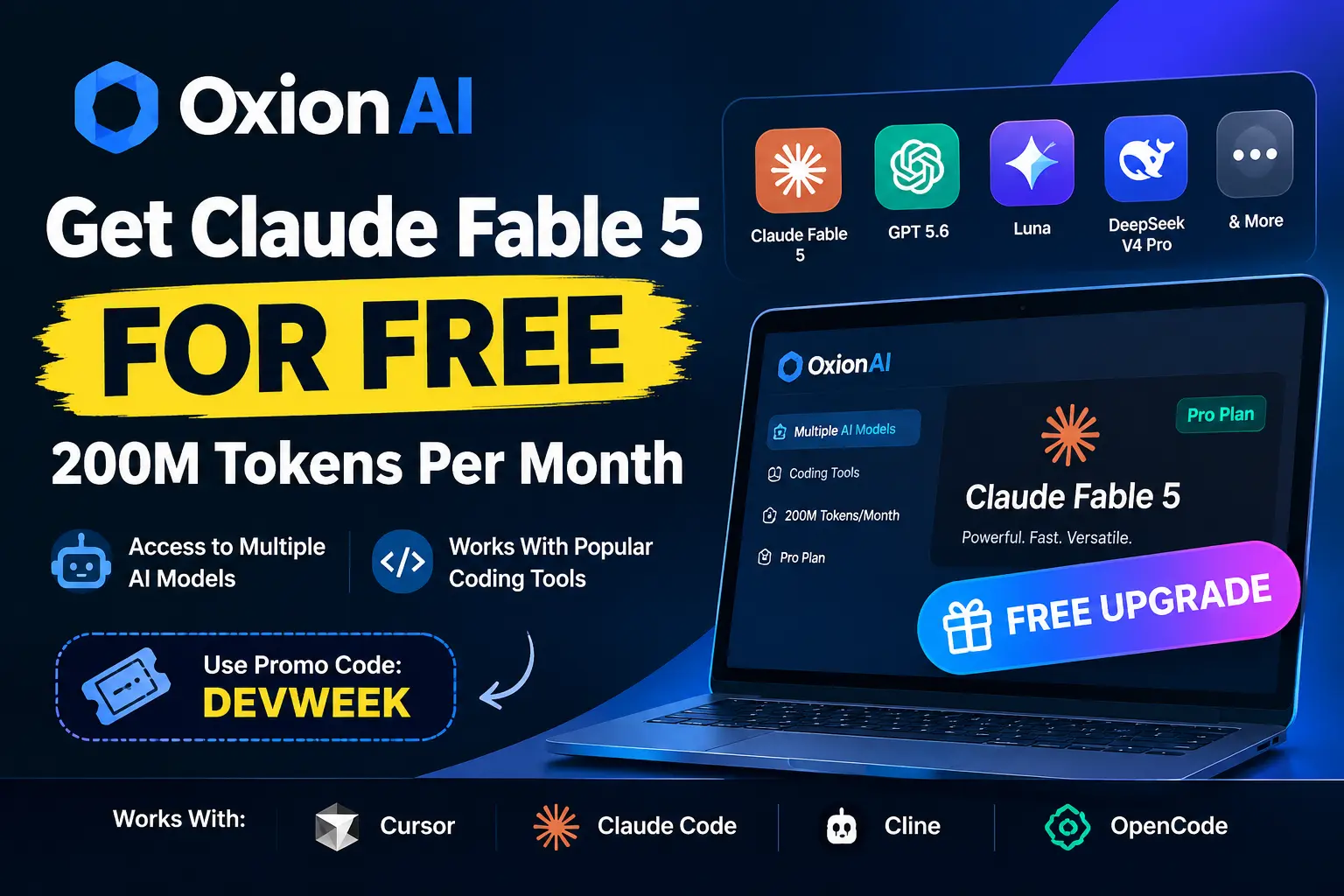
Want to try Claude Fable 5 and other AI models without spending a fortune? OxionAI provides access to multiple AI models through a single platform, including models listed under Claude, GPT, Luna, and DeepSeek.
A promotional code, DEVWEEK, has been shared as a way to unlock the Pro plan offer. Here’s how to try it and check whether you qualify for a free upgrade.
Table Of Contents
Add a header to begin generating the table of contents
What is Oxion AI? (And Why Developers Love It)
Oxion AI is a unified API routing infrastructure that drops right into your existing programming setup. You do not need to install complex new SDKs or refactor your scripts. If your code already communicates with OpenAI, it already communicates with Oxion AI; all you do is point your application to their custom base_url variable.
python
# The only configuration change you need:fromopenaiimportOpenAIclient = OpenAI(
api_key="your_oxion_key",
base_url="https://oxionai.com"
)
The system is purpose-built to handle real-world programming setups, offering true server-sent event streaming for long-running agent loops, multi-file tool calling protocols, and fully isolated chain-of-thought outputs so parsing errors never break your code scripts.
Step-by-Step Guide: Claim Your 200M Free Tokens
Follow these steps carefully to ensure your promo code applies correctly without hitting email verification delays.
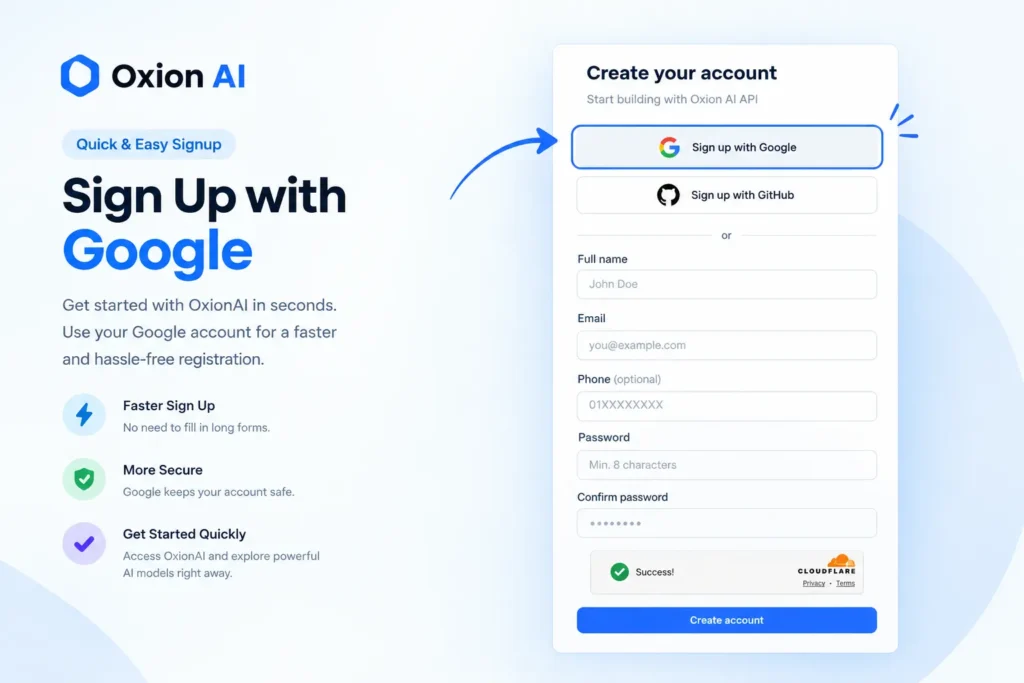
Pro Tip: Make sure to select “Sign in with Google” during account creation. standard email registration can occasionally run into delays with One-Time Password (OTP) delivery emails. Google OAuth bypasses this step instantly.
Step 2: Navigate to the Plans Section
Once logged into your dashboard, locate the Plans or Billing section on the left sidebar navigation.
Step 3: Select the Pro Plan
Find the Pro Plan option (the tier that includes the 200M token allowance) and click on Upgrade.
Step 4: Apply the Promo Code
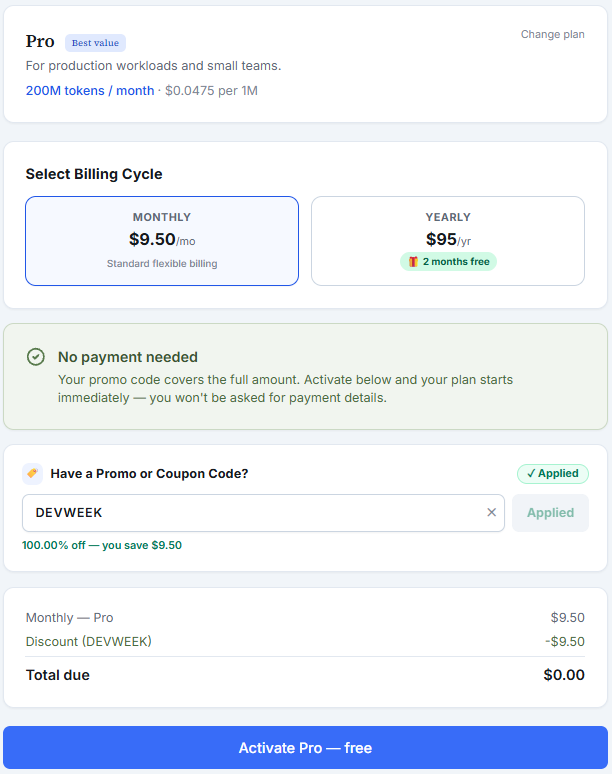
In the checkout modal or billing summary, look for the Promo Code or Discount Code input box. Paste the following code: “DEVWEEK”
Step 5: Finalize the Free Upgrade
Once applied, the price total will drop to $0.00, changing the button text to a free upgrade prompt. Click the confirmation button—and you’re done! Your account will immediately reflect Pro status with 200 Million tokens loaded.
Important: Promotions can expire or change. OxionAI currently lists its Pro plan as a paid subscription, so don’t assume DEVWEEK guarantees free access. Verify the price, token allowance, and renewal terms at checkout.
How to Use Your Free Tokens in Cursor & Other Tools
If you are a developer using AI coding assistants, this is where the Oxion AI promo really shines. Instead of paying multiple subscriptions, you can plug your 200M free tokens directly into your IDE.
Example: Cursor Integration
Open Cursor Settings (Ctrl + , or Cmd + ,).
Navigate to Models > OpenAI API Key (Cursor treats many unified gateways as OpenAI compatible).
Input your custom Oxion AI API key (generated in your Oxion dashboard).
Define the model you wish to use by adding claude-fable-5 or gpt-5.6 to your model list.
Final Thoughts
If you’re looking for a convenient way to access multiple AI models, OxionAI is worth exploring. Visit the website, create an account, open the Pro plan, and try the DEVWEEK promo code.
If the free upgrade appears, confirm the checkout terms before activating it. If it doesn’t work, the offer may have expired or may not be available to your account.
Have you tried the code? Share your experience in the comments to help other readers.