How to Get 3 Months of Free Bot Hosting on Botkeep (No Credit Card)
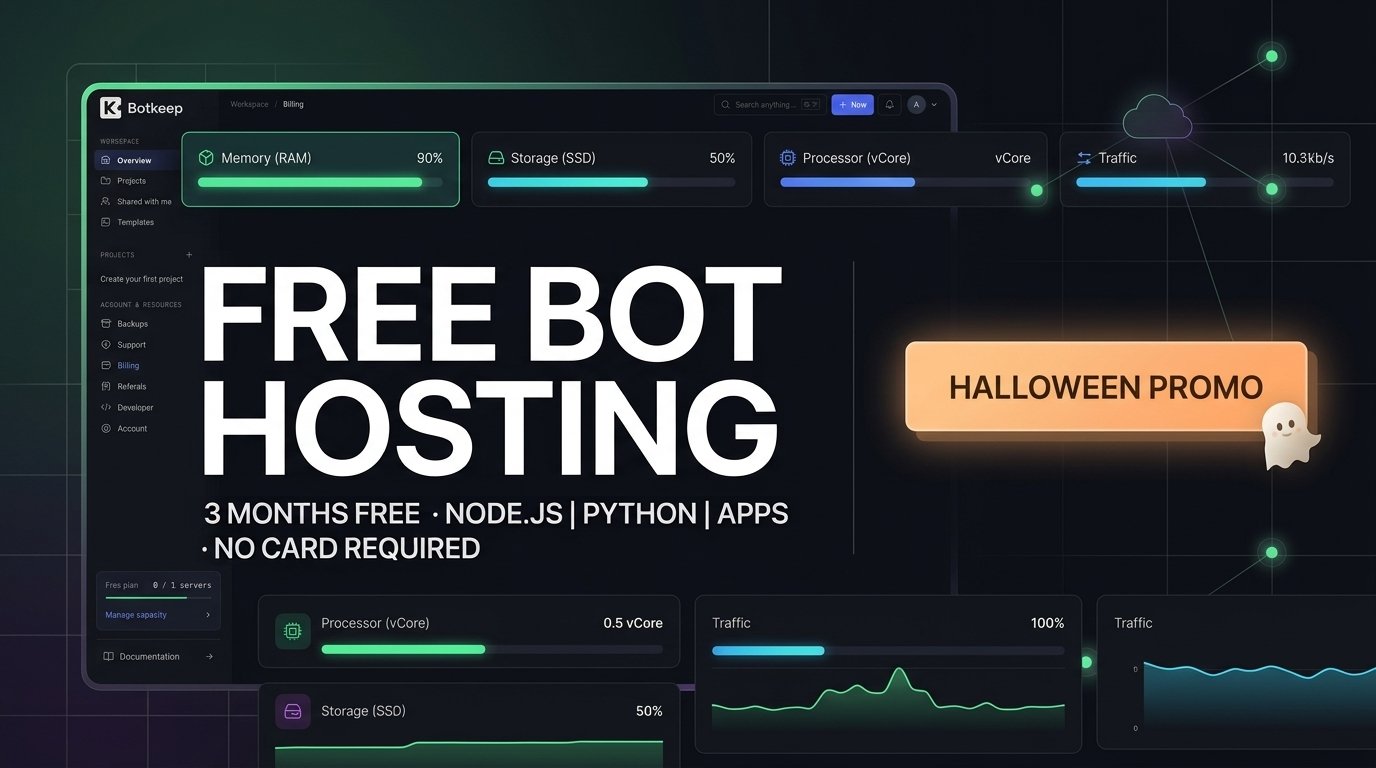
If you have been looking for a reliable way to host your side projects without breaking the bank, this limited-time offer is exactly what you need. Botkeep is running a special Halloween promotion giving away 3 months of free bot hosting with absolutely zero payment details required.
Whether you are launching a new Discord bot, deploying an asynchronous Python background worker, or spinning up a lightweight web app, this deal gives you a premium sandbox to test your ideas entirely for free.
Table Of Contents
Add a header to begin generating the table of contents
What is Included in the Free Plan?
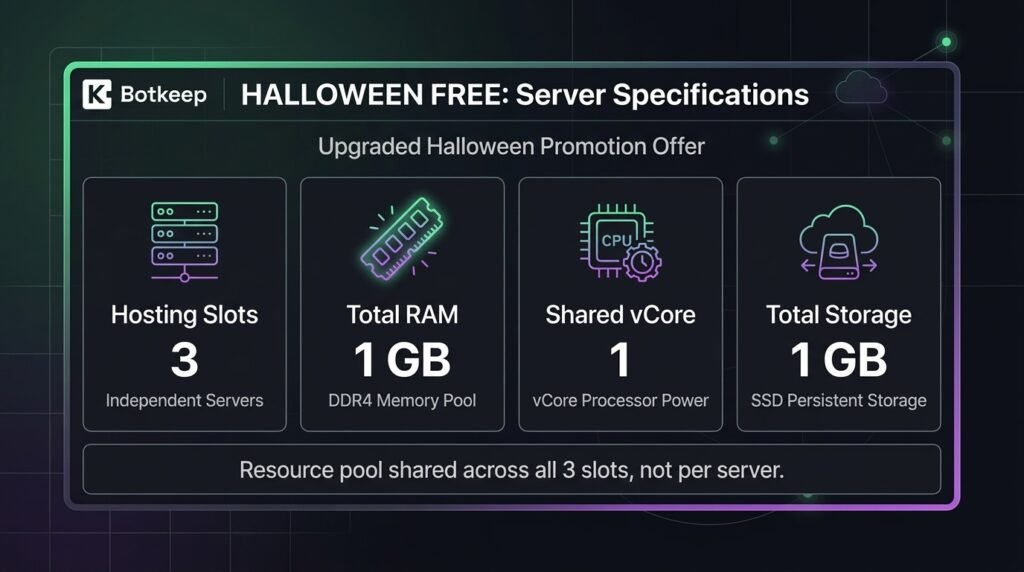
Unlike standard trial tiers that severely restrict your access, this promotion replaces the basic free tier with an upgraded, shared resource pool.
Here is exactly what you get:
3 Hosting Slots: Run up to three separate projects or applications simultaneously.
1 GB Total RAM: A shared pool of memory to keep your processes running smoothly.
1 Shared vCore: Dependable processing power for standard application logic.
1 GB Total Storage: Plenty of room for your source files, dependency bundles, and persistent assets.
Note: These resources are shared across your three slots as one collective budget rather than being multiplied per server.
Step-by-Step: How to Activate Your Free Plan
Claiming your three months of hosting takes less than two minutes. Follow these simple steps:
1. Create Your Account
Head over to the Botkeep Halloween Promo Page. Click the registration link to build a new profile. You can quickly sign up using your Discord or GitHub account, or simply register using your email address. Make sure to check your inbox right away to verify your email address.
2. Navigate to Plan & Billing
Once you are logged into your new Botkeep workspace dashboard, look at the left-hand sidebar menu. Click on the Billing tab under the Account & Resources section. This will open up your current subscription panel showing your default single-slot free tier.
3. Redeem the Promo Code
On the right side of the Billing dashboard, you will find a section labeled Redeem a plan code. Type or paste the following active public coupon into the input box:
Click the blue Check code button. A confirmation modal titled “Confirm plan activation” will pop up on your screen. Review the updated resource limits and the extended expiry date, then click the Activate plan button to complete the process.
Once activated, your workspace dashboard will instantly refresh to display your active Halloween Free subscription, valid for the next three calendar months.
Important Details to Keep in Mind
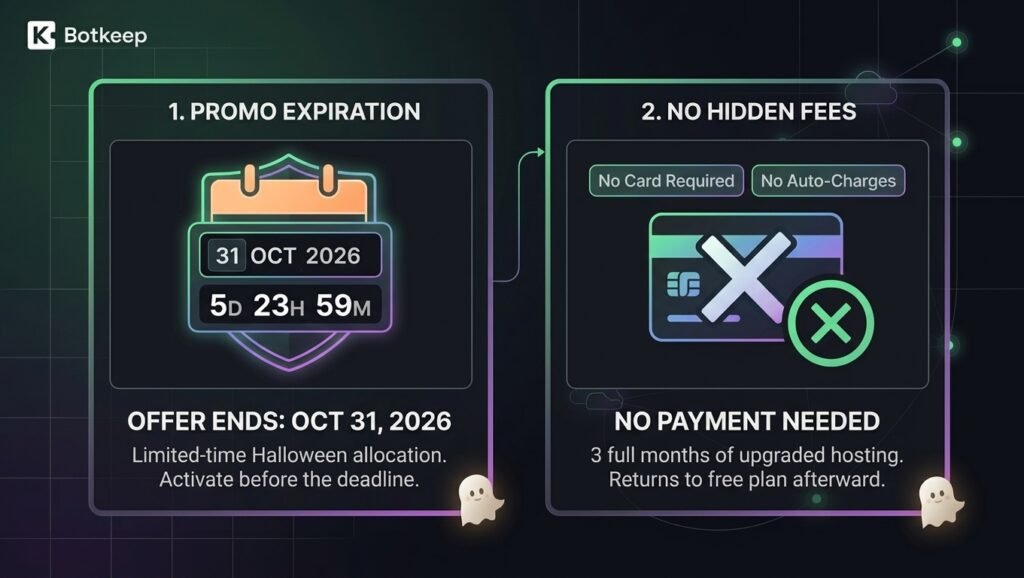
No Auto-Charges: You do not need to add a credit card. When the three months are up, your workspace will automatically return to the standard free limitations without charging you a dime.
Strict Deadline: This promotional allocation is only open until October 31, 2026, at 11:59 PM (Europe/Rome).
Make sure to grab your slots before the countdown ends and start deploying your projects today!