How to Get Wispr Flow Pro Free for 2 Months (Exclusive Diwali Coupon Code)
Dictation tools are completely changing how we handle daily tasks, from drafting long emails to capturing rapid meeting notes. If you have been looking for an upgrade over basic built-in voice-to-text features, Wispr Flow Pro is one of the most powerful AI-powered dictation apps available today.
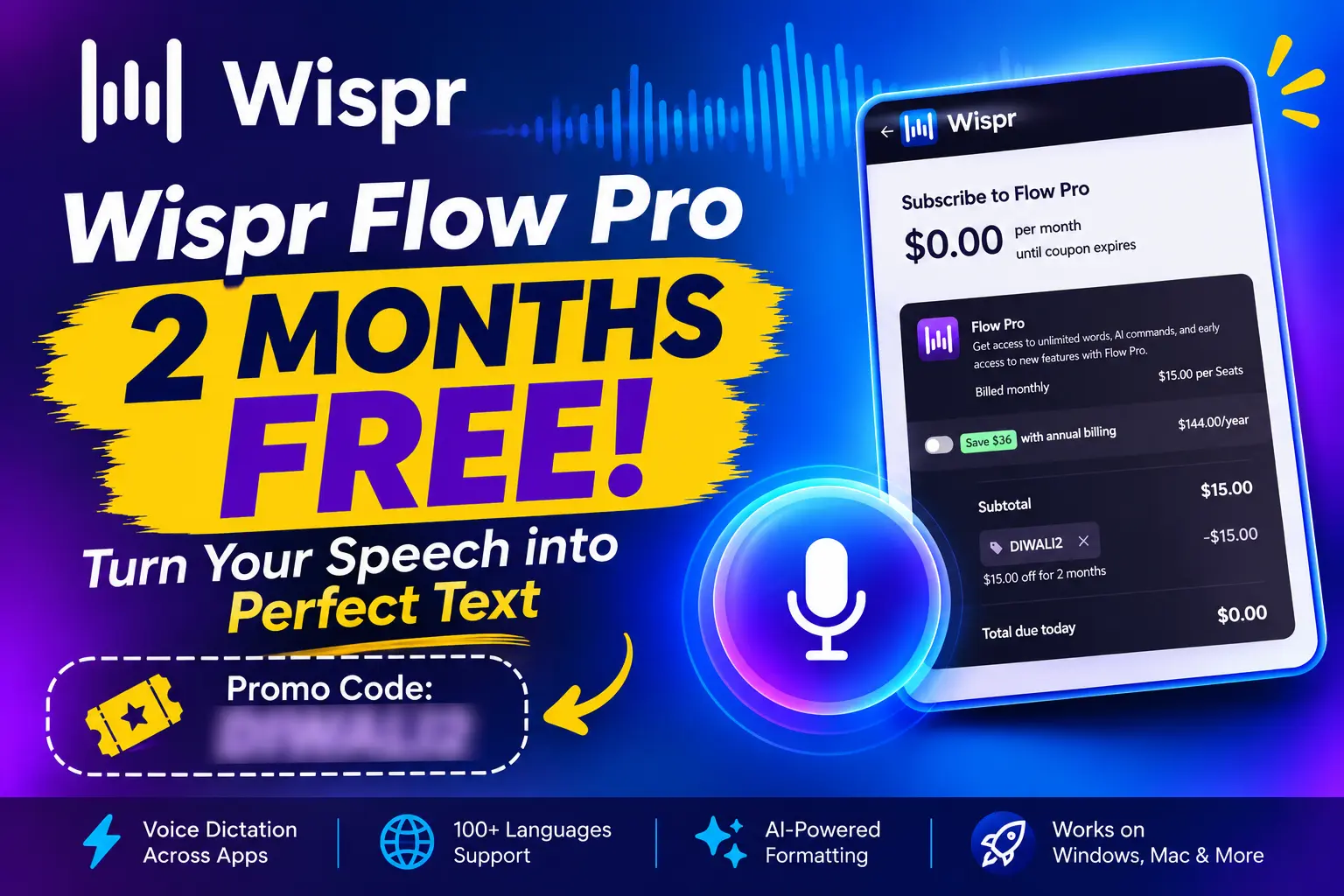
Even better, you can currently unlock 2 months of Wispr Flow Pro entirely for free using a limited-time coupon code. Here is a quick, human-friendly guide on what Wispr Flow offers and exactly how to claim your free premium access.
Table Of Contents
Add a header to begin generating the table of contents
What Is Wispr Flow?
Wispr Flow is an AI voice-to-text application designed to make writing faster and easier. Instead of typing everything manually, you can speak naturally and let Flow convert your words into clean, formatted text.
Some of its useful features include:
Voice dictation across different apps.
Support for more than 100 languages.
Automatic removal of filler words and improved punctuation.
Custom dictionary for names and technical terms.
AI-powered text formatting.
Meeting notes and Notetaker features.
Wispr Flow supports Windows, Mac, iOS, and Android, although some features vary by platform.
Key Features of Wispr Flow Pro:
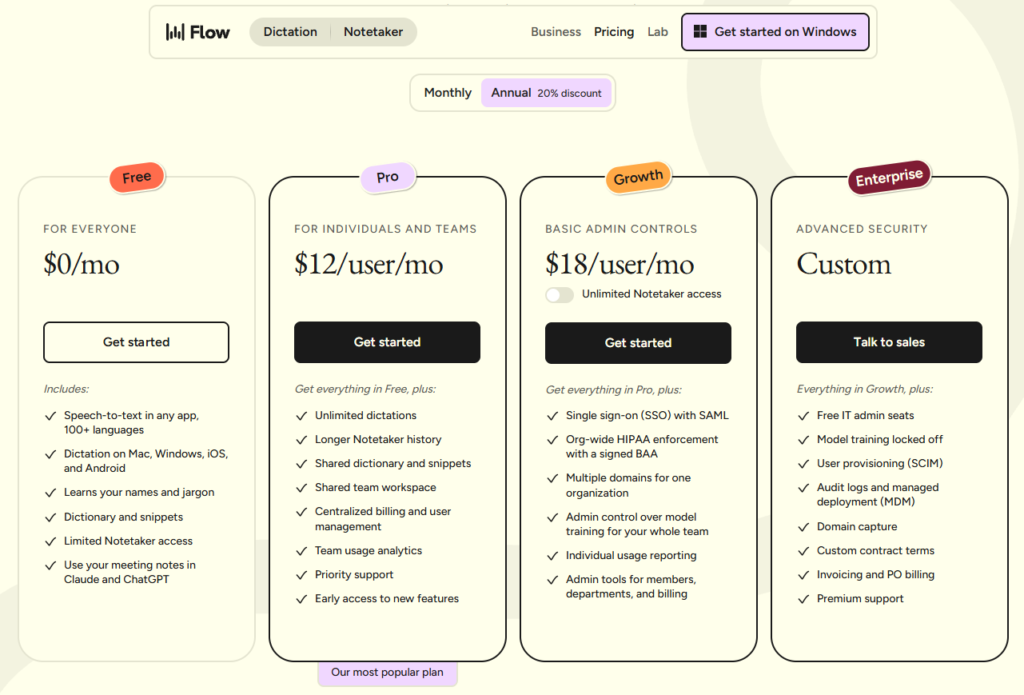
Unlimited Dictations: No daily or monthly limits holding back your writing or workflows.
Smart AI Commands: Direct formatting, editing, or style transformations using just your voice.
Extended Notetaker History: Easily access, manage, and look back at older transcriptions and notes.
Shared Dictionary & Snippets: Save specific professional terms, names, shortcuts, or boilerplate text for instant recall.
Cross-App Integration: Dictate directly into Mac, Windows, iOS, and Android applications, or format meeting notes directly for ChatGPT and Claude.
Go to the Subscription Checkout: Navigate to the Wispr Flow Pro plan section.
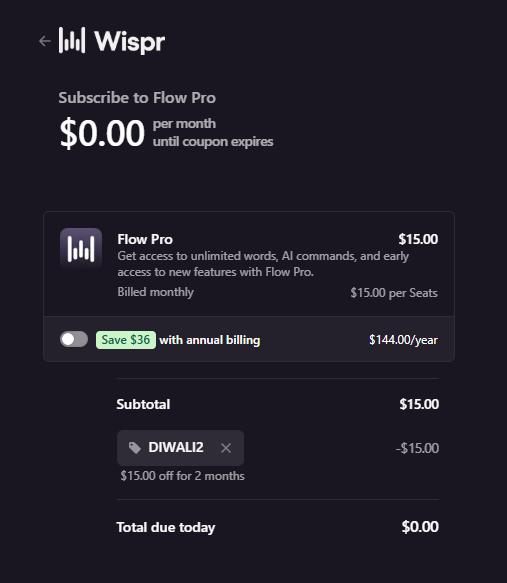
Enter the Promo Code: In the coupon field at checkout, input the promo code “DIWALI2".
Verify the Discount: Click apply. The subtotal will show a -$15.00 discount, dropping your Total due today to $0.00.
Download and Launch: After checking out, click the download button for your operating system (such as Windows or Mac). Open your Downloads folder, double-click the “WisprFlowInstaller" file, and let it launch to begin typing at the speed of speech!
Note: Since this is a promotional discount, make sure to double-check your billing dashboard before checking out to confirm the coupon applied successfully.